By Ramesh Reddy
Publication Date: 2026-04-15 14:21:00
Perplexity is not as mainstream as other AI chatbots such as OpenAI’s ChatGPT or Google’s Gemini. In fact, some people are not even aware of its existence. It also received a lot of criticism over the years because of a lack of a unique advantage over other chatbots and continuously shifting product priorities. Despite all those negatives, it’s still my go-to tool for a quick web search and scheduled tasks.
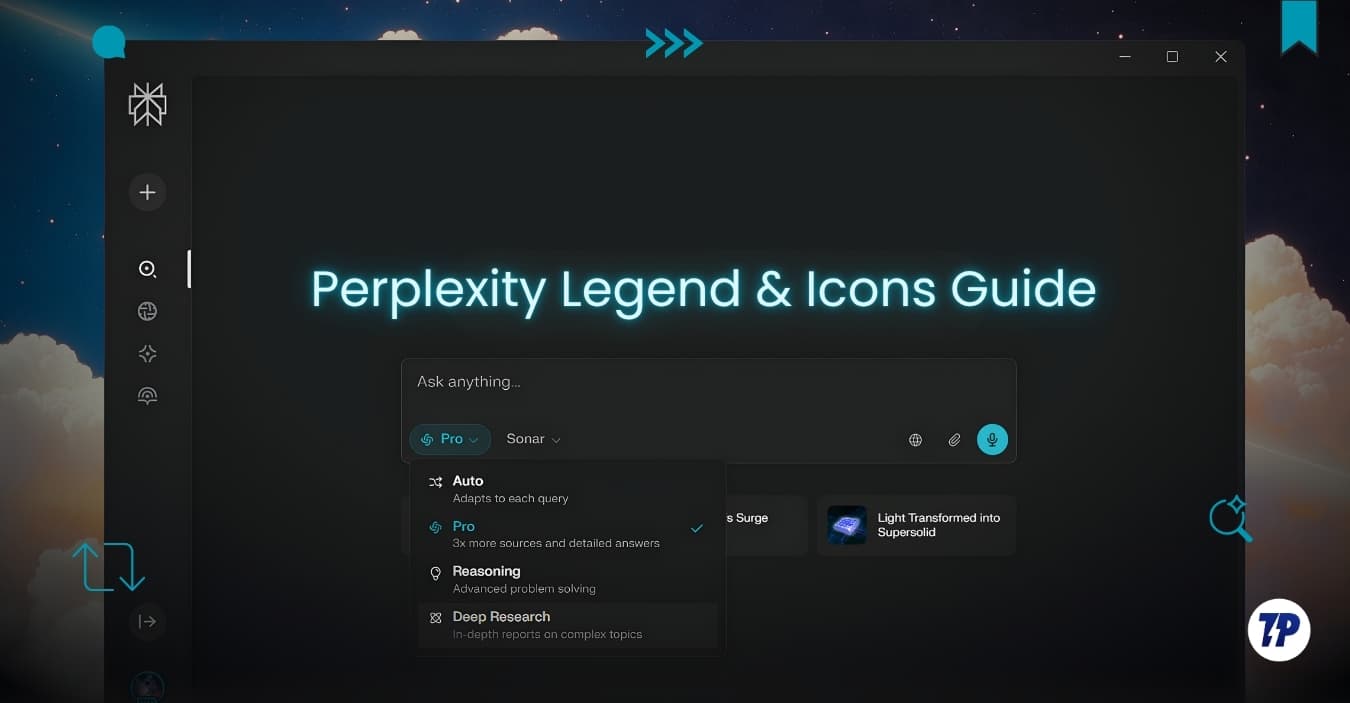
Perplexity has a unique and very different user interface initially, with its own unique icons and symbols. However, the app went through a lot of experimentation with different interfaces, even changing things very quickly. And very recently, it got a new interface that now looks very close to other AI chatbots and surely better than what it was before.
The problem with these new AI chatbots is that they are still in the growing phase. Because of this, companies are trying different user interfaces, adding new features, and since they are new, many people also find some of the features confusing in the beginning.
I have already written a detailed guide on helping you figure out what each icon and feature mean in the Gemini app, and in this guide, let’s understand everything about Perplexity.
Perplexity Icons Explained (Web and Mobile Guide)
Perplexity is available on both web and mobile, and the interface varies slightly between these two platforms. Let’s get started and understand everything that you need to know about perplexity.


