
By Abhijith M B
Publication Date: 2026-11-10 23:50:00
Microsoft is now turning on Memory Integrity automatically on more Windows 11 PCs with the November 2026 Windows 11 update. It’s a built-in security feature that stops malicious drivers from sneaking code into the core of Windows, and until now, it was mostly turned on only on new PCs and clean installs. But if you’ve already turned it off manually, Windows won’t switch it back on.
Funnily enough, four years ago, Microsoft published a support article telling gamers to turn off Memory Integrity for better performance in games. So why is Microsoft auto-enabling Memory Integrity now, and should gamers be worried about potential frame drops?
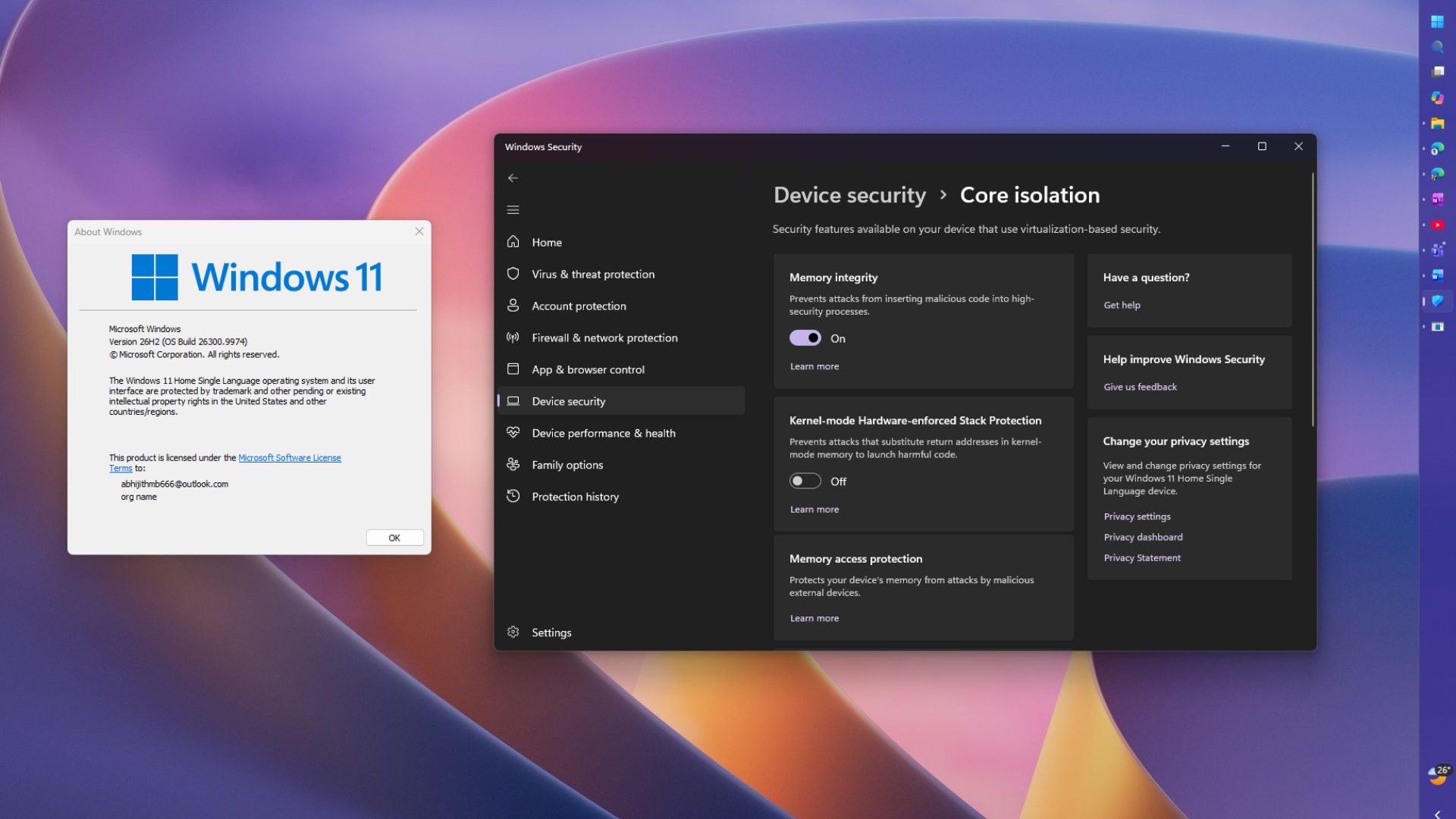
To turn off Memory Integrity in Windows 11, open Windows Security > Device…


