By Sebastian Castellanos
Publication Date: 2026-10-09 23:03:00
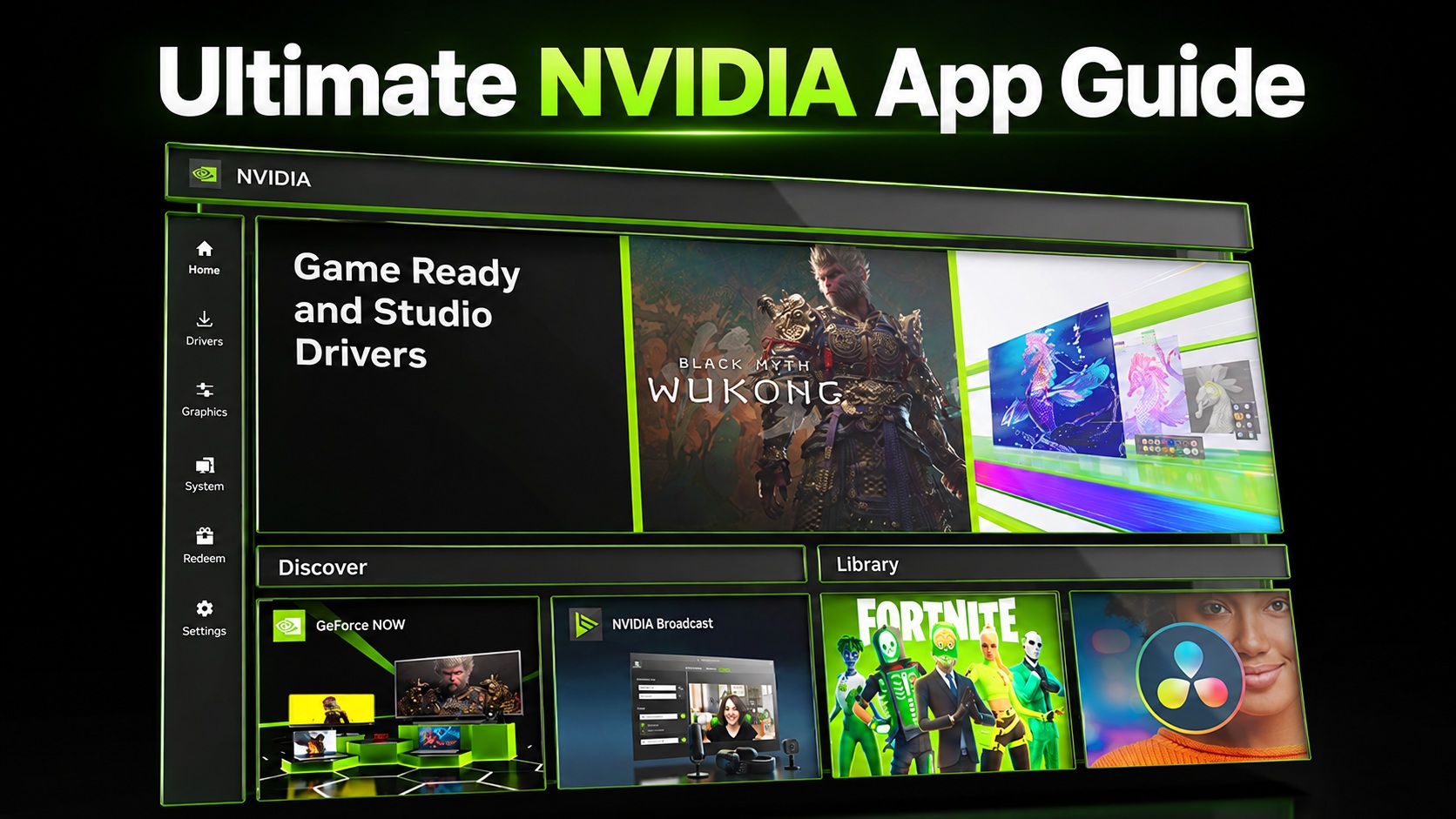
The NVIDIA App has changed considerably since replacing GeForce Experience. What started as a cleaner launcher for drivers, game optimization, and ShadowPlay has gradually absorbed virtually everything GeForce users previously had to dig through the old NVIDIA Control Panel to find.
That transition is now effectively complete. In fact, NVIDIA confirmed in 2026 that all actively supported Control Panel functionality for GeForce users had been moved into the NVIDIA App, with the classic Control Panel entering retirement for Game Ready and Studio Driver users.
More importantly, the NVIDIA App now contains considerably more than the old Control Panel ever did. DLSS overrides, NVIDIA Smooth Motion, RTX HDR, RTX Video Super Resolution, GPU tuning, ShadowPlay capture at up to 240 FPS, performance monitoring, display configuration, G-SYNC controls, and legacy graphics overrides can all be accessed from the same interface.
Consequently, that also means there are now a lot of settings to get wrong.
For this guide, we’re going through the NVIDIA App from top to bottom, before establishing recommended configurations for modern games, older titles, G-SYNC displays, and the different GeForce RTX architectures.
This guide reflects the NVIDIA App feature set available in late 2026. NVIDIA’s current 11.0.9 release includes DLSS 4.5 Ray Reconstruction overrides, per-application Resizable BAR controls, and the latest additions migrated from the…

