
By Andrew Romero
Publication Date: 2025-12-25 13:00:00
The Pixel series is one of the best Android devices available. Even though Android’s guided setup process does a fine job, there are a few settings we suggest you change before using your new Google Pixel.
Emergency SOS and Car Crash Detection
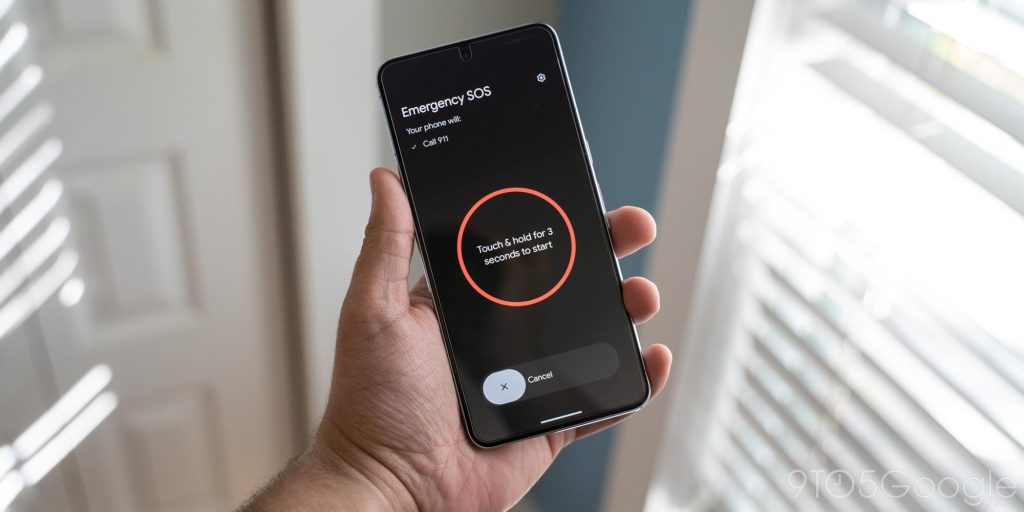
The very first setting I change for every Pixel I set up is to enable and configure Emergency SOS and Car Crash Detection. These two features are literally life-savers, and though you hope you never need to use them, they’re critical.
Emergency SOS works like this: Five clicks of the power button starts the SOS process. Once activated, it either requires a second confirmation or will launch straight into three things. An SOS will call for help, share your location with authorities, and begin recording a video.
In a similar way, Car Crash Detection will call emergency services if your Pixel detects a crash. Optionally, the phone will share your locations with emergency contacts, too.


