By Korben
Publication Date: 2026-09-15 07:23:00
If you’ve ever wanted to try out a distro without touching your machine, you know the drill… You have to hunt down the right ISO (32/64 bit, ARM…etc), create the VM, and spend 20 minutes fiddling with settings just to make it look decent or to be able to copy-paste between the host and the guest.
Boxes
, the virtualization app from the GNOME project, lets you skip all that, and it’s great if you like saving a bit of brainpower. You pick the system from a list, and it fetches the image and installs it on its own in a VM while you do something else, like coming
watch my stream on Twitch
.
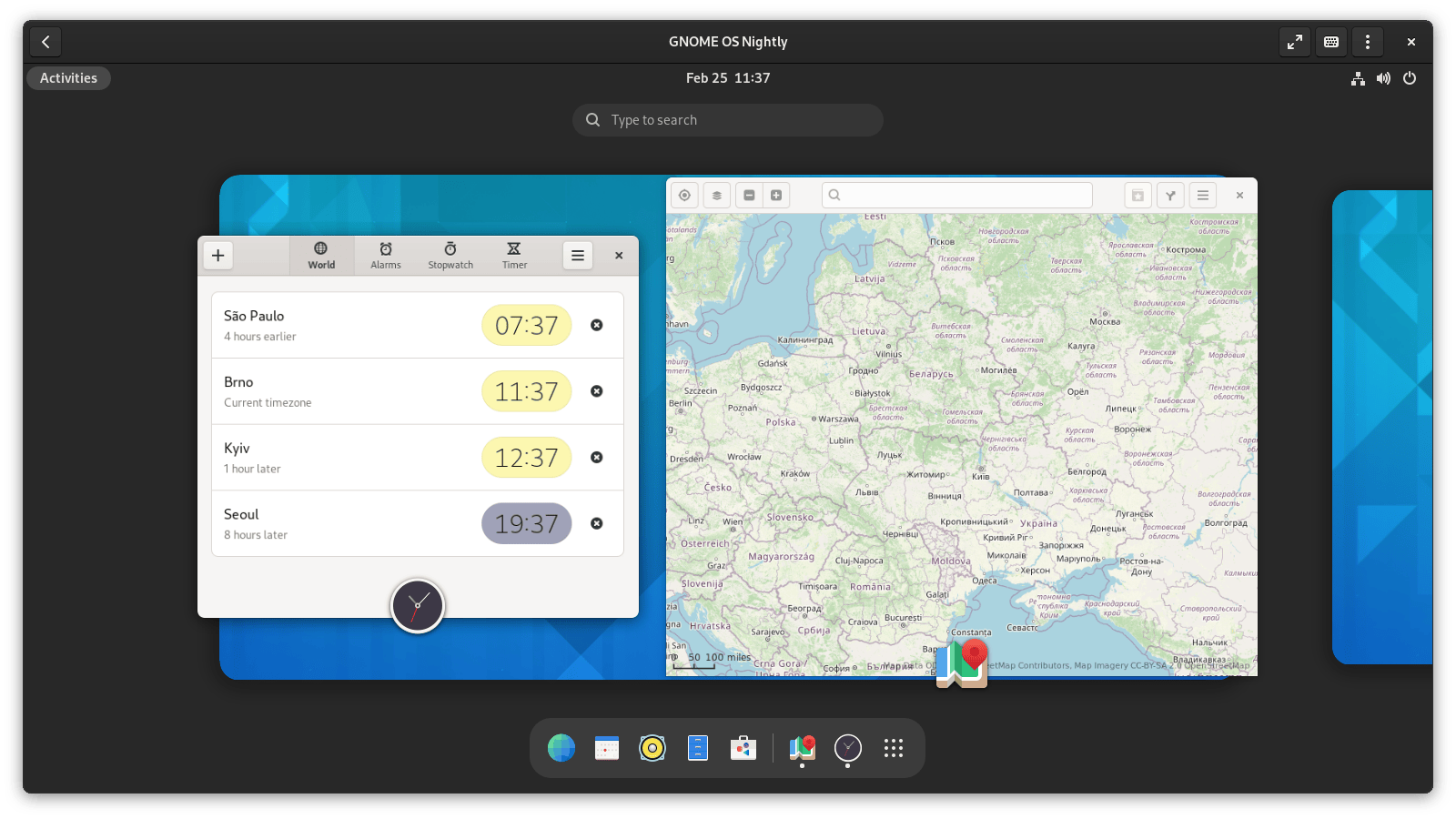
The list covers Debian, Fedora, Ubuntu, OpenSUSE, CentOS Stream, Red Hat Enterprise Linux and Windows. Under the hood, Boxes relies on solid components like qemu-kvm, libvirt-glib and spice-gtk, so your guest system’s code runs directly on the host’s processor via KVM, delivering what GNOME’s docs call “near-native performance“.
Once the VM is created, you set the amount of memory and storage it’s allowed to use on your system, so it doesn’t freeze up your machine. And of course, you can take snapshots to roll it back to an earlier state, which is the feature we use all the time if, like me, you enjoy deliberately breaking your OS with all sorts of hellish alternative tweaks.
The rest is all about convenience: you plug a USB stick into your machine and redirect it into the VM, the clipboard is shared between both, and you can drag a file from your file manager into the Boxes window to…


