


By Chethan Rao
Publication Date: 2026-05-29 16:59:00
Looking into a recent beta of Google Messages (messages.android_20260523_00_RC00), the publication has discovered the addition of “Chat themes” within the three-dot menu, replacing the existing “Change colors” option.
Add some color to your chats
As you can see above, the Chat themes page comprises a collection of colors, followed by a selection of preloaded wallpapers from Google (Cityscape, Art, Landscape, Space, Vibes, Textures, and Abstract). The big addition here is the Choose a photo pill, which lets you add a picture from your Gallery as the chat background.

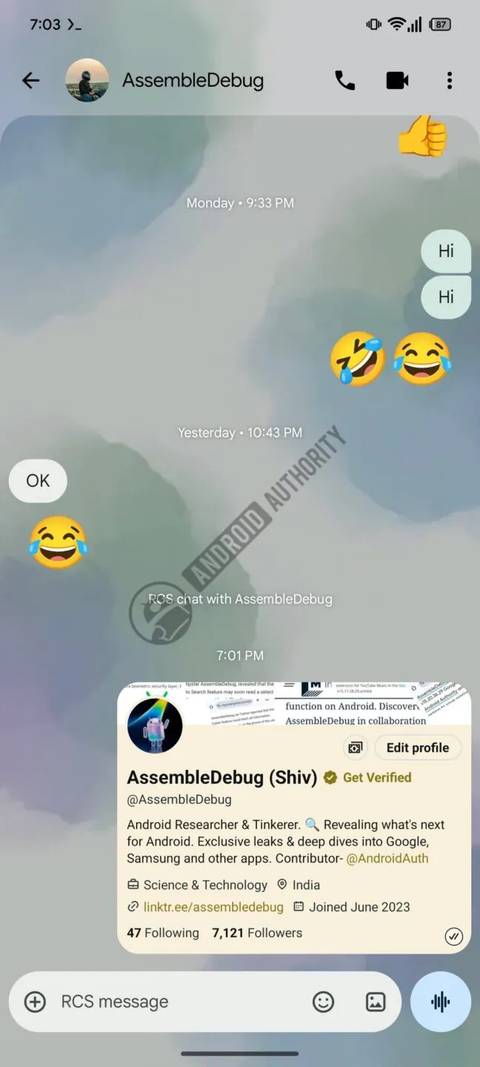
This tool also comes with a convenient Reset to default button on the Preview page if you’ve gone through all the categories of preset backgrounds and want…