
By Abhijith M B
Publication Date: 2026-11-05 21:00:00
PowerToys 0.102 has moved Color Picker and Text Extractor to WinUI 3, joining Image Resizer, Quick Accent, Mouse Jump, and the Keyboard Manager editor, which all switched over this year. Microsoft is also tracking the rest of PowerToys’ old WPF interfaces in a public GitHub issue, with FancyZones and Workspaces up next.
In case you didn’t know it already, PowerToys is open source, and Microsoft didn’t have to undertake a massive operation to rewrite tools that already worked well for power users. Yet, the team is doing it anyway, at a time when the company hopes developers will steer away from web apps for Windows 11, after years of WinUI missing basic controls.
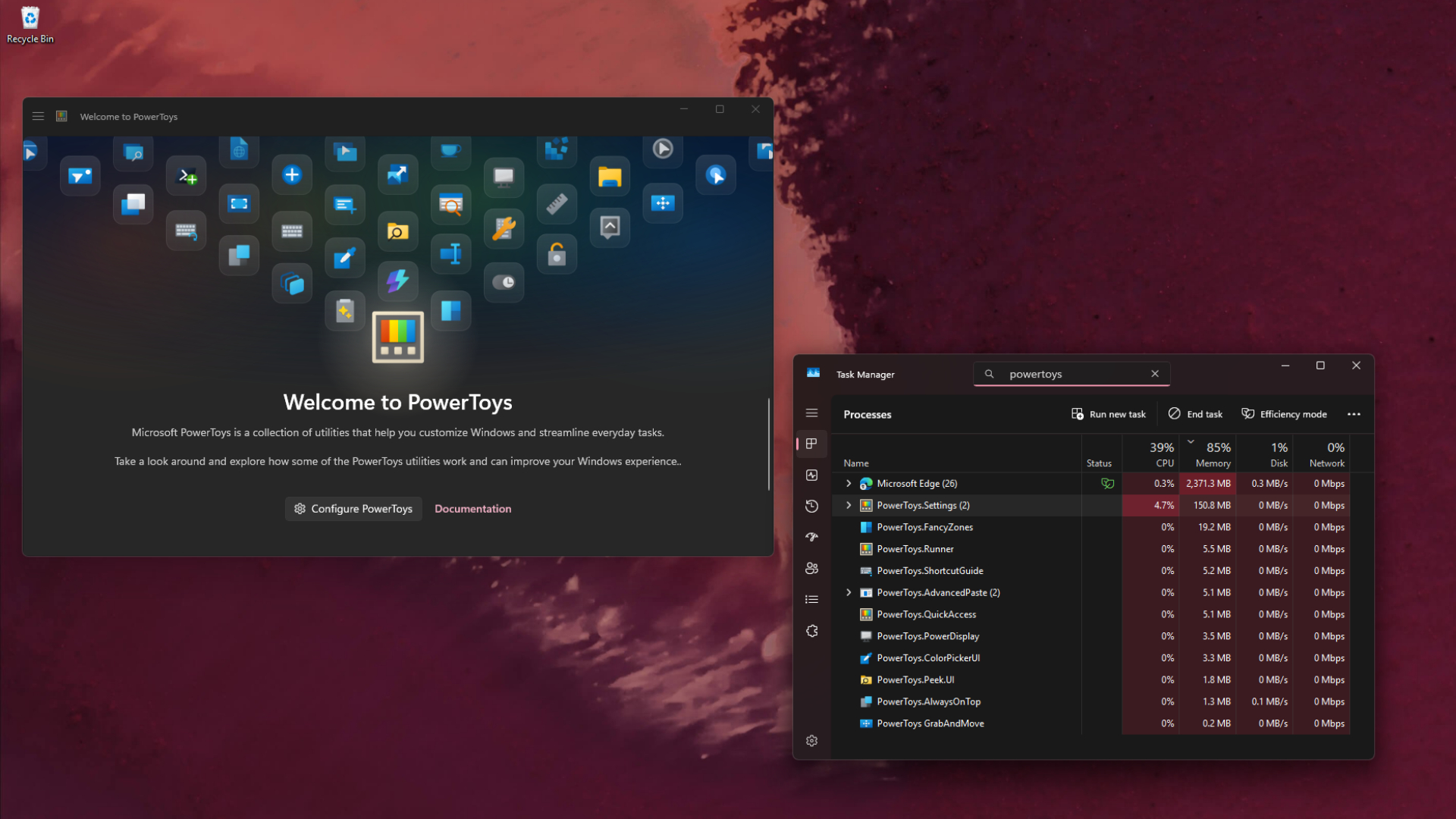
PowerToys 0.102 rebuilds Color Picker and Text Extractor in WinUI 3
PowerToys 0.102…

