
By Zak Killian
Publication Date: 2026-02-04 14:51:00
If you’re reading this, chances are pretty solid that you’re a PC gamer. Based on Steam survey data, chances are also pretty solid that you’re an NVIDIA user. If you’ve been suffering black screens and GPU artifacts while attempting to game after installing the latest Windows updates, you’re not alone, because many users over at NVIDIA’s official GeForce forums are complaining about the same thing. Fortunately, the green team’s on the case, with NVIDIA’s Manuel stating that the company is looking into the issues.
These problems actually started for most users over two weeks ago when Microsoft released 2026’s first major Windows Update. KB5074109 is listed as an important security update with over 114 fixes for vulnerabilities, although it also includes other patches, like a fix for the bug that caused NPUs to remain at elevated clocks while idle, sapping battery life.
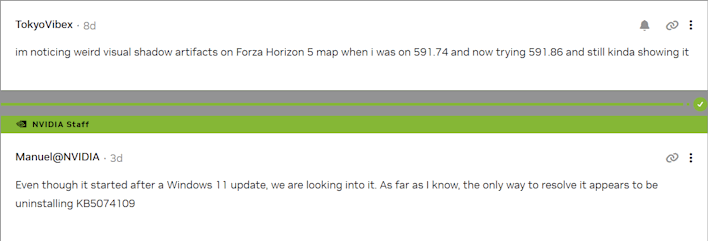
User reports have continued to filter in on both the thread started by M.G.Raziansyah as well as in the comments of the posts made by NVIDIA to announce its latest driver updates. While some users seem to blame the issues on the new driver, NVIDIA’s Manuel is clear that the issues are caused by Microsoft’s latest Windows update, saying “Even though it started after a Windows 11 update, we are looking into it. As far as I know, the only way to resolve it appears to be uninstalling KB5074109.”
A few users have reported in, confirming that uninstalling the problematic update (or using Windows’…
